Create your teacher account
Five minutes, and you leave with a class code to write on the board. There is nothing to have approved: your access and your first class are created the moment you click.
Open the teachers page
Go to app.hopla6.be/teachers and click Create my class.
If you are already signed in, your class is created there and then and you land straight in your portal — skip to step 5.
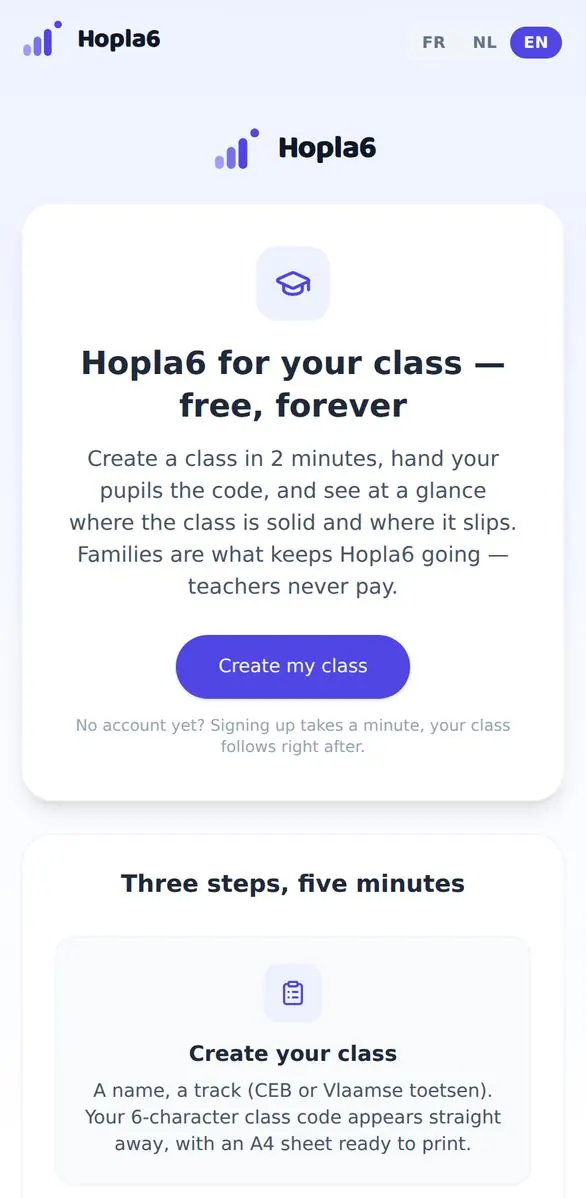
The teachers page and its button.
Choose “I'm a teacher”
If you don't have an account yet, you arrive at the “Who is creating this account?” screen. Take the third card.
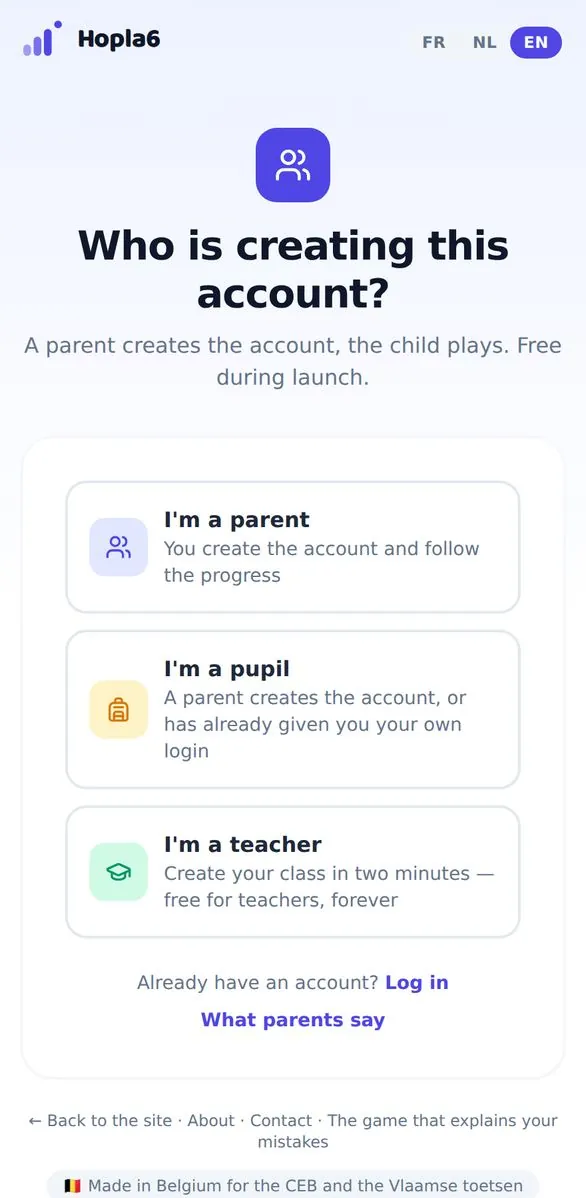
The three profiles: parent, pupil, teacher.
Your email address and a password
- Your school address or any other one — both work.
- Pick a password, type it again identically.
- Tick the box, then click Create free account.
Continue with Google works too, including with a school Google account.
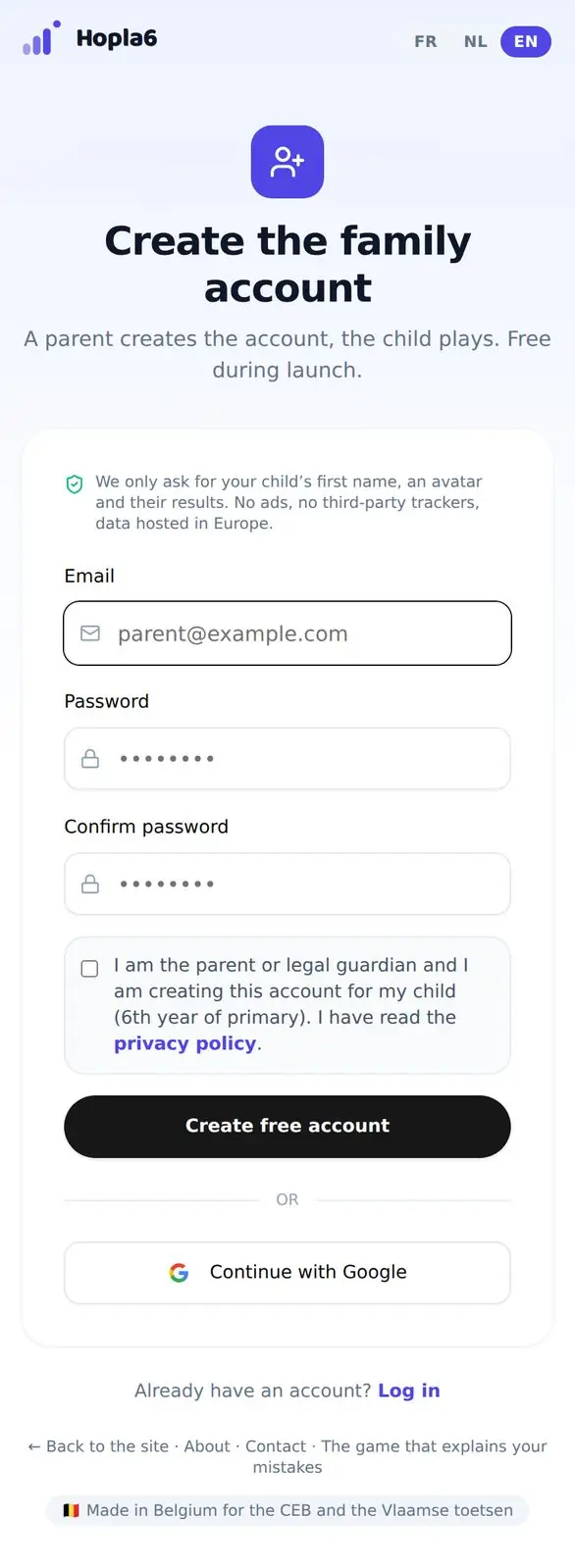
The sign-up form.
Type the six-digit code from your email
A six-digit code arrives in your inbox. Copy it in. If it is slow, check your spam folder — school filters are sometimes zealous.
Your class already exists
You come back to the teachers page and the rest happens by itself: your teacher access is switched on and a first class is created, with its six-character code.
Nobody on our side has to approve anything. You can rename the class and pick its track (CEB or Vlaamse toetsen) in your portal.
Give the code to your pupils
Write it on the board, or print the A4 sheet your portal generates.
Your pupils go to app.hopla6.be/class, type the code, choose a nickname and an avatar, and play. No account, no email address, nothing to install.
Read the class map
In your portal, every topic in the curriculum appears with the class's success rate, weakest first.
A cell resting on fewer than three pupils stays hidden: this is not a tool for watching one particular child. And you never see a colleague's class.
Worth knowing before you start
- Two active classes at most, up to thirty pupils each. Need more? Write to us.
- A class's practice data is deleted after 90 days, unless a parent has picked it up into a family account.
- Of your pupils we keep a nickname they choose themselves, an avatar, the track and the results. No name, no email address, no school name.
Questions we get asked
Do I need the head's approval?
For a free tool that collects no pupil identifier, usually not. If your IT coordinator wants a data processing agreement, write to hello@hopla6.be — we'll send you one, or sign your network's model.
I already have a Hopla6 account as a parent.
The same account is enough. Sign in, go back to app.hopla6.be/teachers and click “Create my class”: teacher access is added to your existing account.
Can my pupils pass the class code around?
Yes, and it doesn't matter: the code gives access to nothing but the practice. If one circulates too widely, create a new one from your portal.
Can my pupils carry on at home?
Yes. At the end of a game the pupil gets a three-word Hopla code that a parent can pick up at home. That is the family's business, not yours — nothing in class depends on it.
What if a question is wrong?
Report it with the button provided: it reaches the teachers who wrote it, and we correct it.
Ready in five minutes
If it isn't useful to you, you've lost nothing but five minutes.
See also: Hopla6 for teachers · the parents' guide